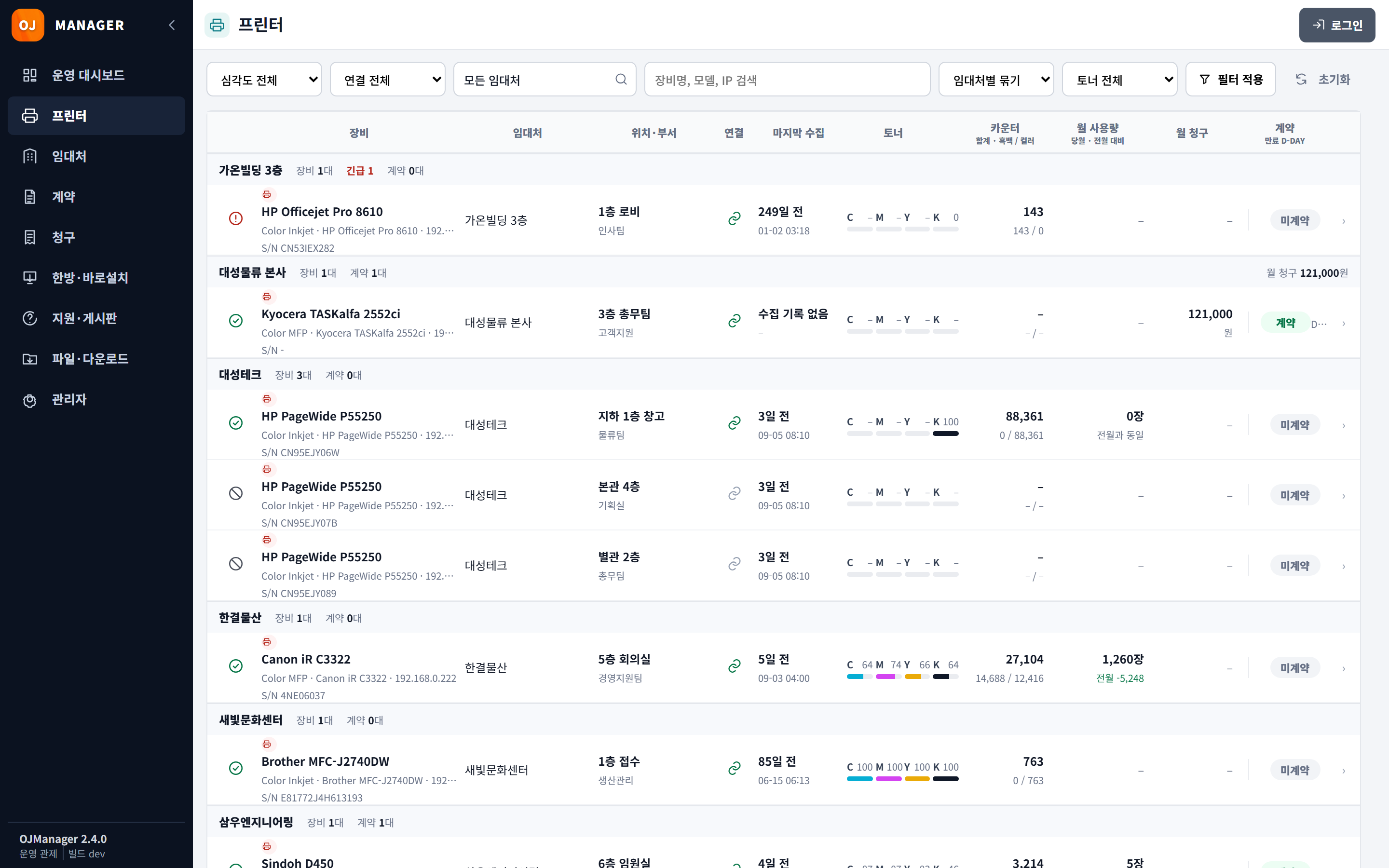
Printers
See models, IP addresses, serial numbers and toner levels together. Group by customer and filter by severity.
OJSETUP restores printer settings saved in the cloud. OJMANAGER collects meter readings and supply levels, and the management web connects that data to contracts and billing.
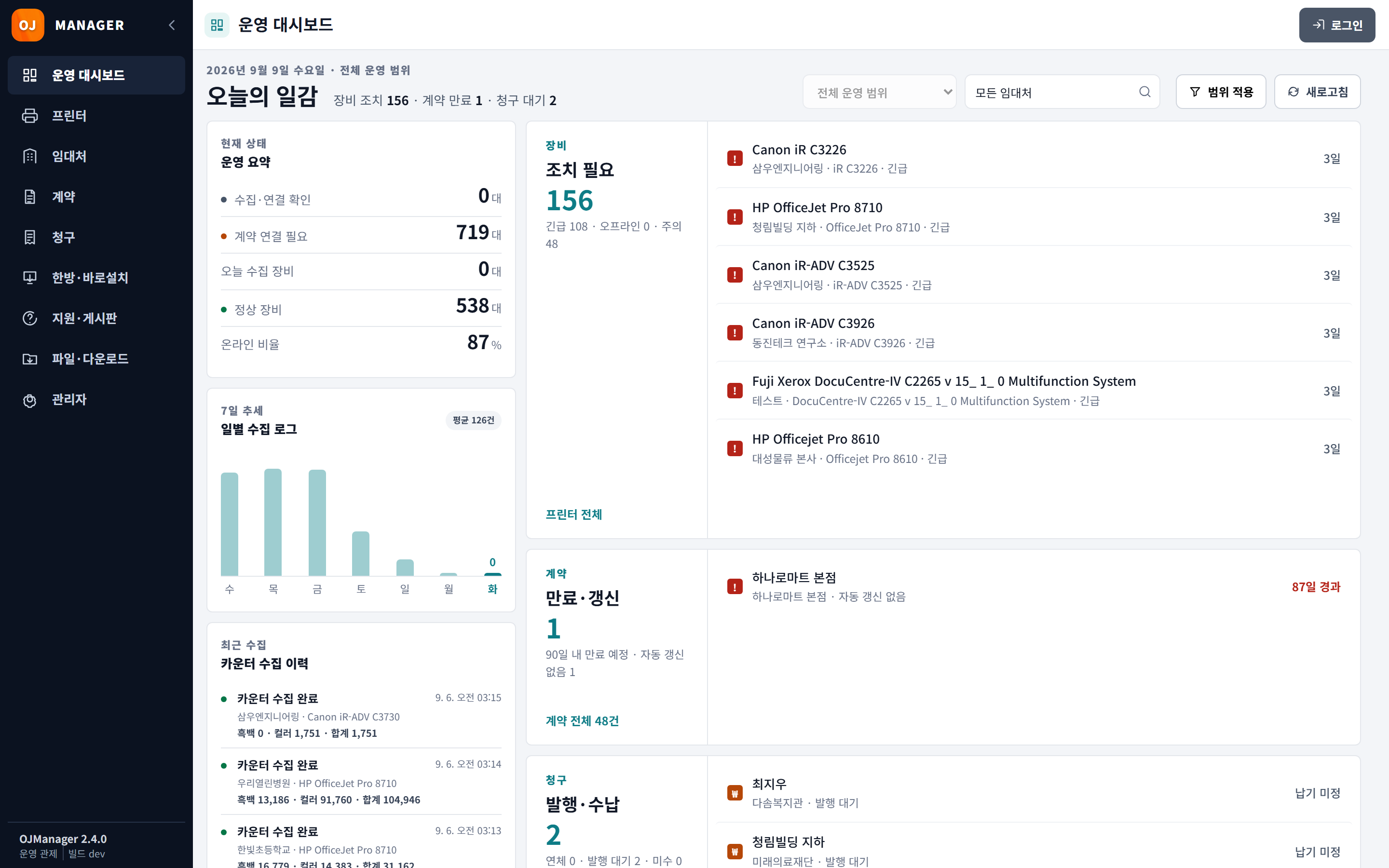
Manage customers, printers, contracts and billing in your browser. Screenshot: Korean interface.
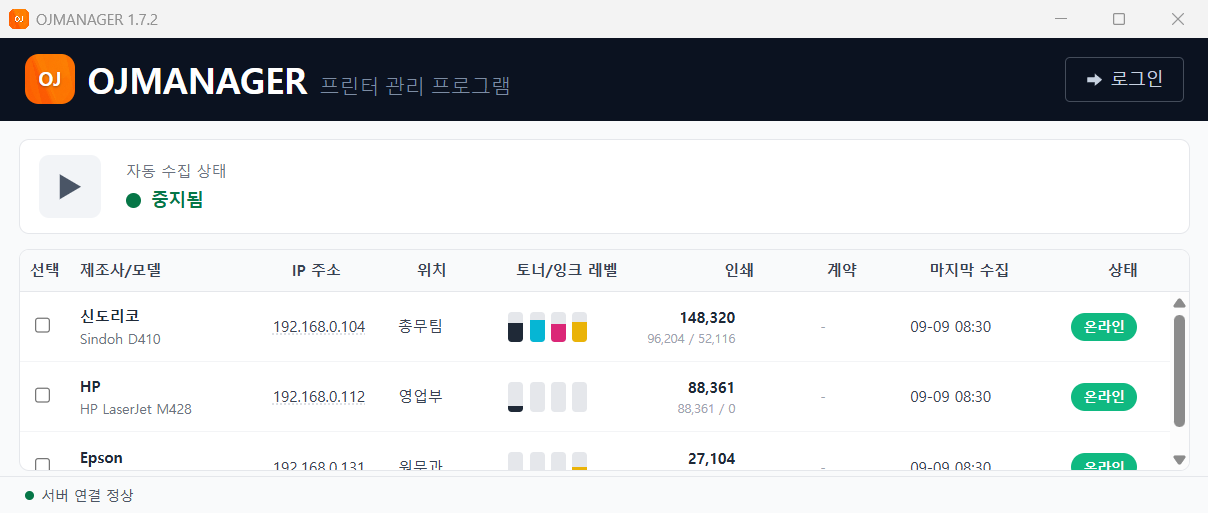
Collect printer meter readings and toner or ink levels on a schedule, even when the application window is closed. Screenshot: Korean interface.
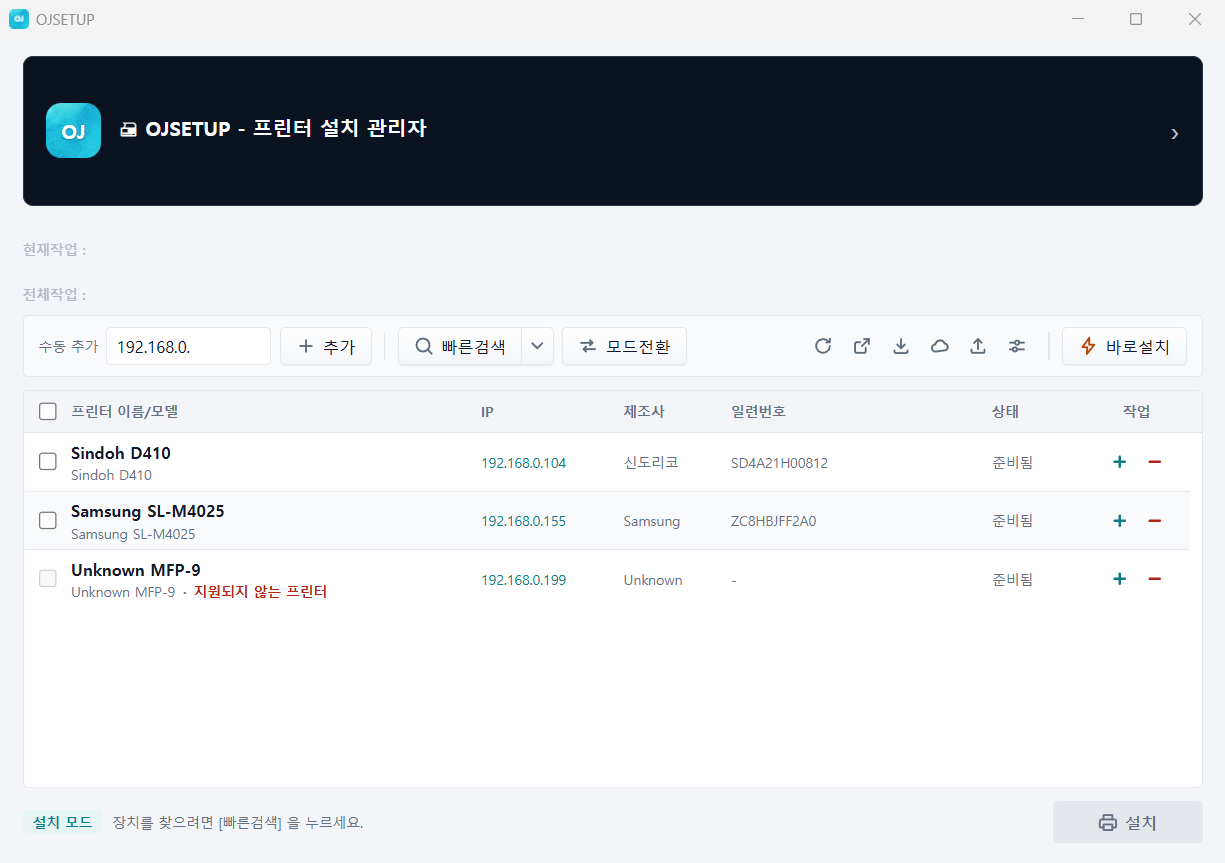
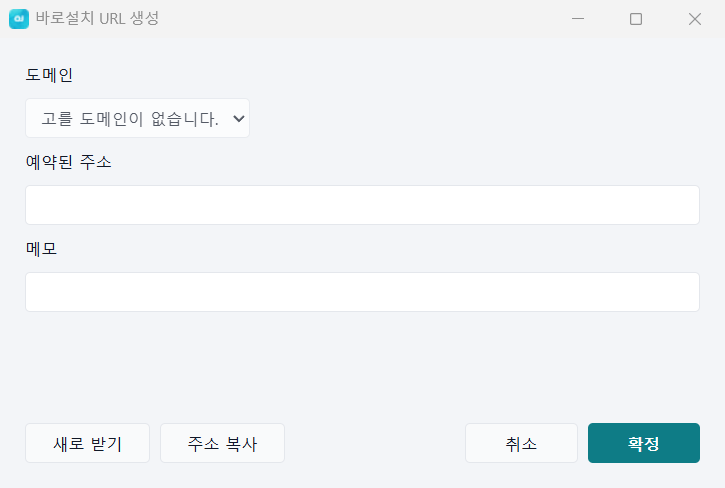
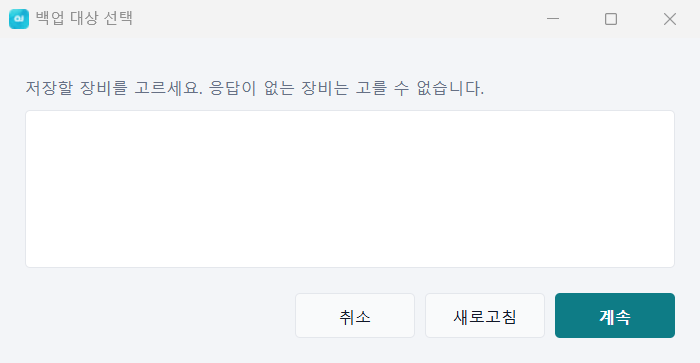
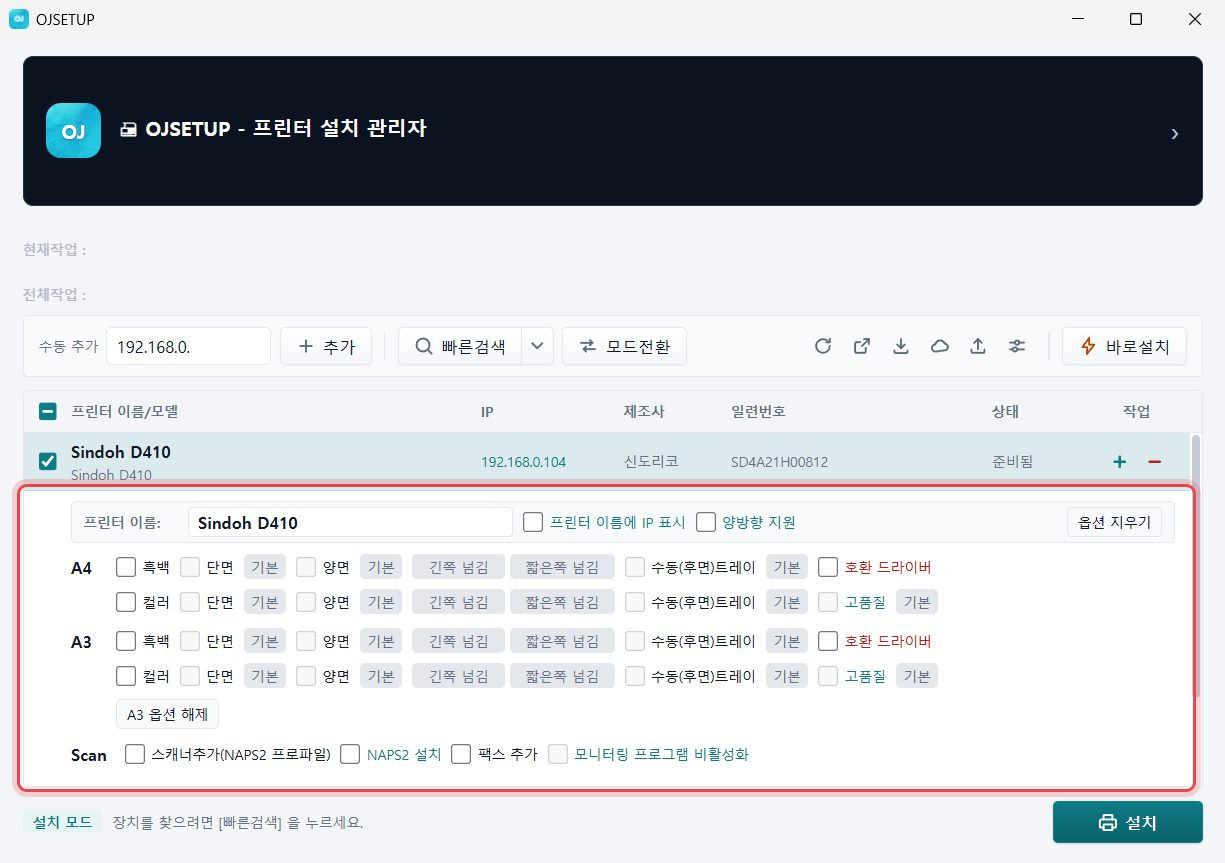
Install printers and restore saved configurations. Share a short URL to use the same setup on multiple PCs. Screenshot: Korean interface.
Reuse configurations saved in the cloud, reducing manual driver searches and on-site setup work.
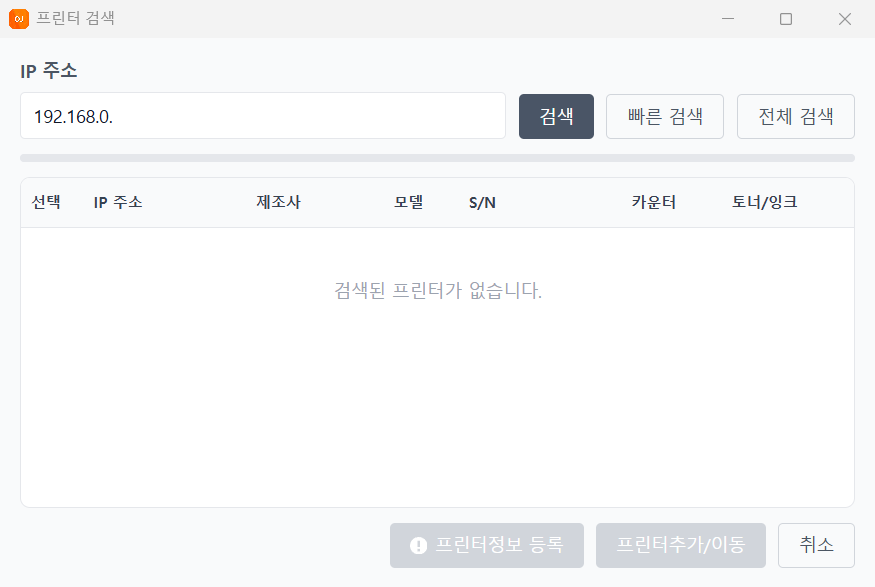
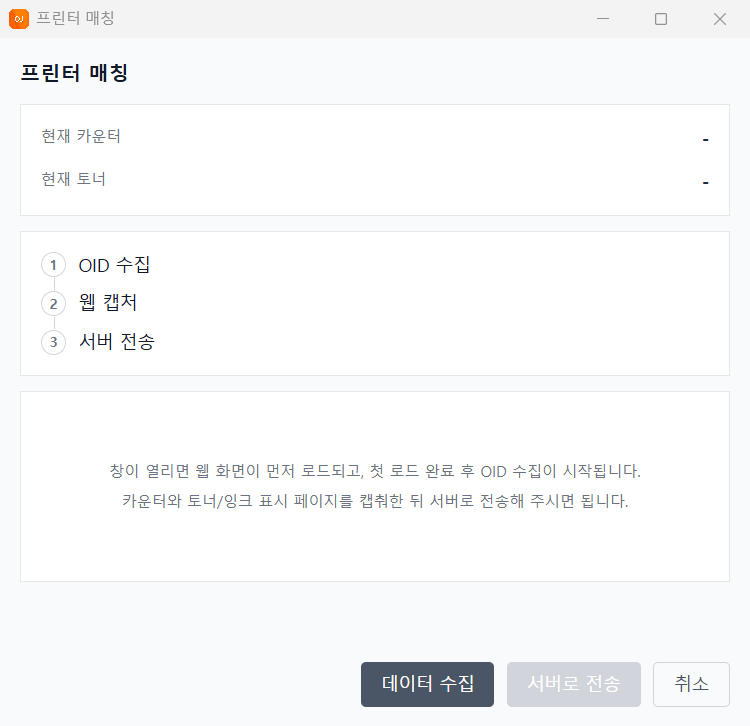
Automatically collect billable meter readings and ink or toner levels. The background service continues collecting when the app is closed.
Review collected data in the management web workspace. Access customer, printer and contract information from your browser — see the screens below.
More about OJMANAGER (Korean)Use collected readings for contracts, invoices and operational reports. Review customers, printers and contracts together to plan service visits. The management workspace is currently in Korean.
See models, IP addresses, serial numbers and toner levels together. Group by customer and filter by severity.
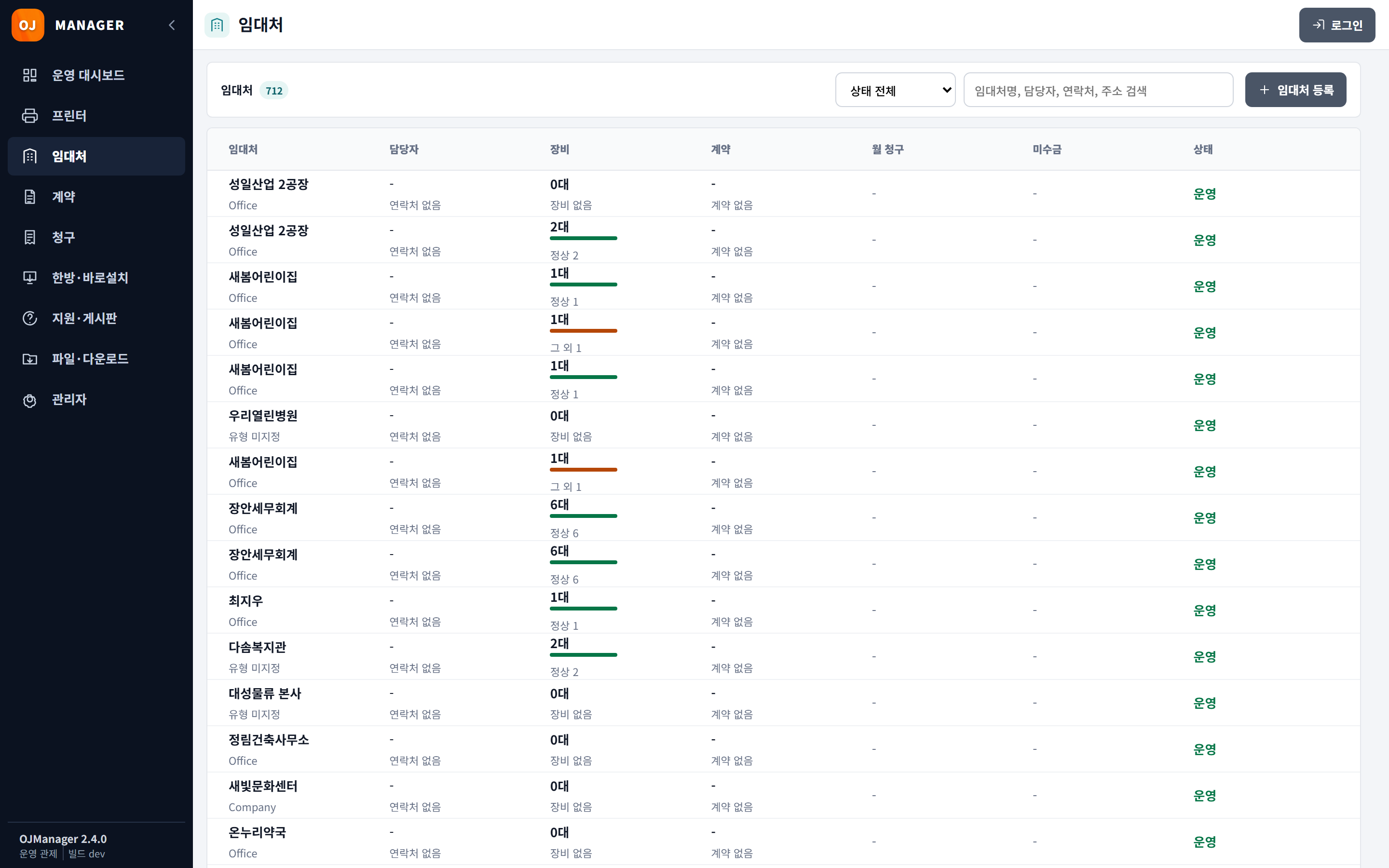
Group devices by customer, review usage and contracts, and prioritize service visits.
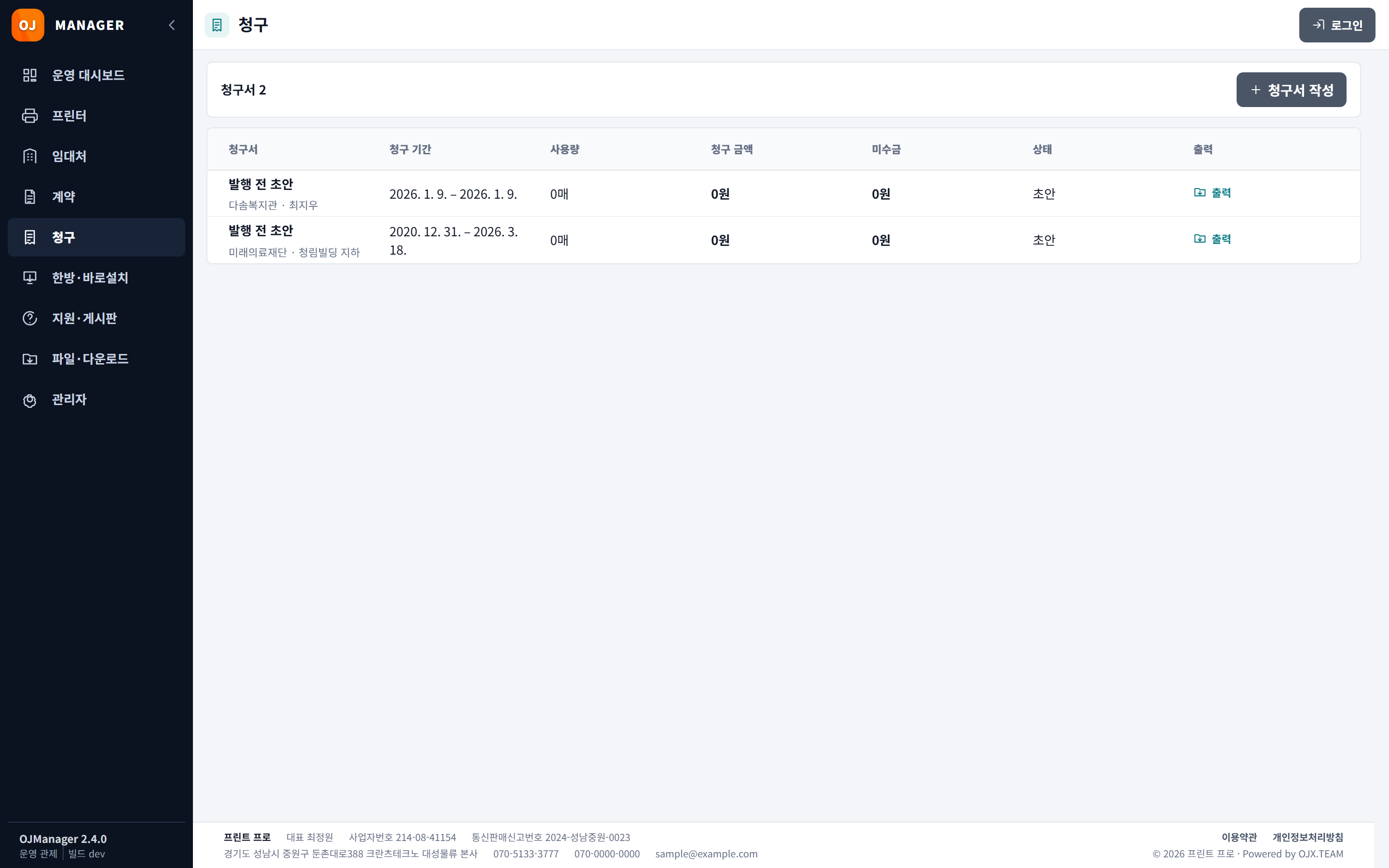
Turn meter readings into charges using your contract terms. Review pending invoices and outstanding balances together.
A planned compact edge server, approximately 6 cm wide, will connect the customer network to mobile management tools.
Printers on site. Data in the cloud.
Download center